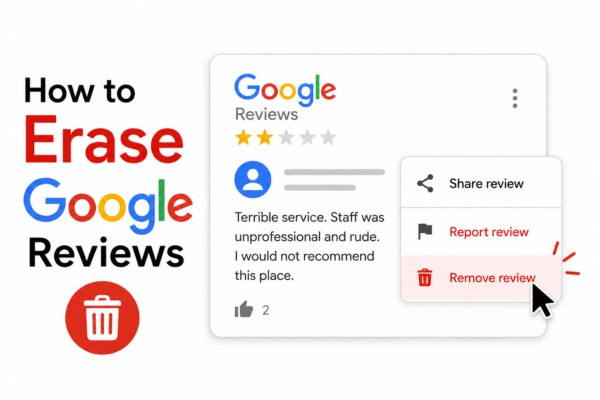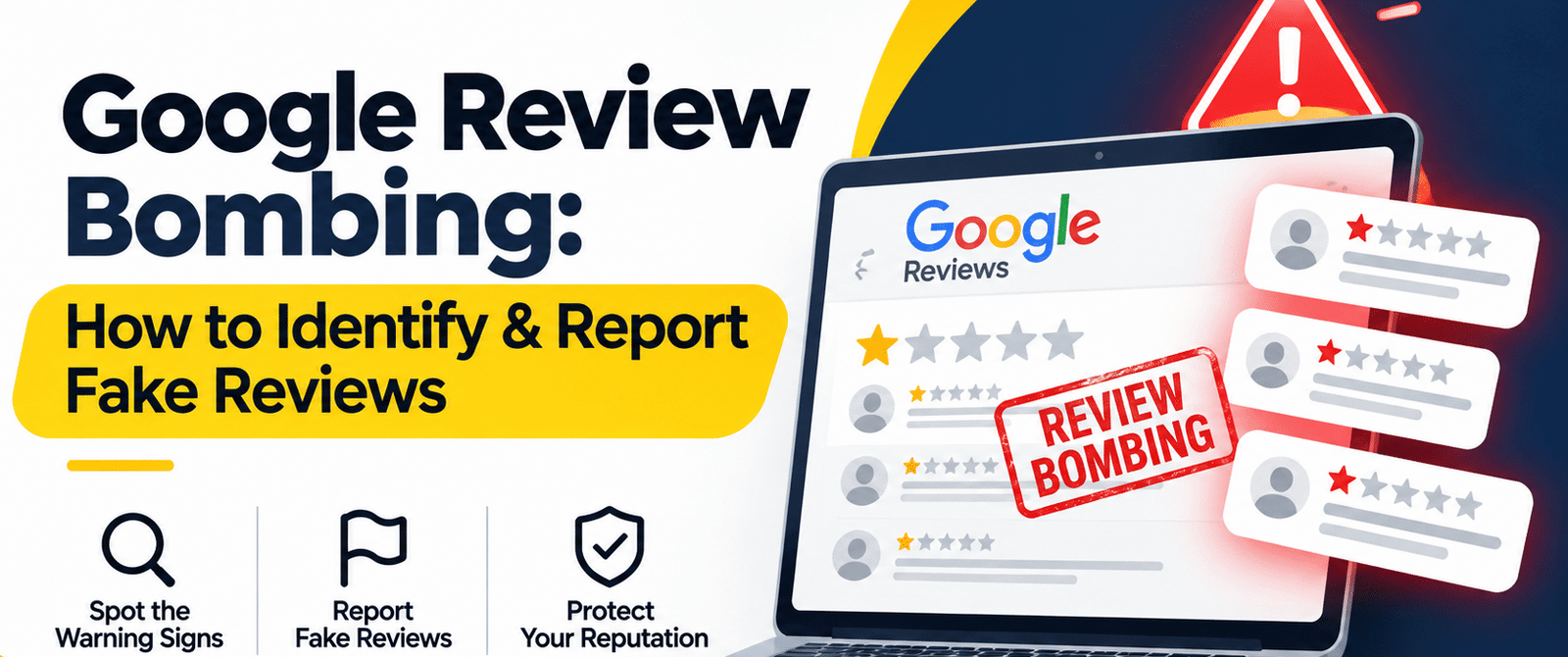
When a sudden wave of one-star reviews hits, your business can take damage before you even have the time to respond. This does not always happen randomly overnight. At times, this can be an organized and targeted attempt, designed to harm your company’s reputation. This is what makes it important to spot review bombing attacks, report fake reviews, and protect your Google profile.
Key Takeaways
- Google review bombing happens when negative reviews are posted by several accounts within a short period to damage a business.
- Review bombing attacks usually involve fake accounts, repeated comments, and reviews from people with no connection to the targeted company.
- You should keep an eye out for sudden review spikes, similar wording, and suspicious reviewed profiles.
- If a review violates Google’s platform policies and content guidelines, you can report it with supporting evidence.
Many negative reviews on Google actually come from real customers. People go through a negative experience and end up leaving a review and sharing their feedback. Although such reviews can cause frustration, they are a normal part of running a business.
But a Google review bombing attack is different from genuine customers talking about real bad experiences they had. Instead of one or two unhappy customers talking about their ordeal, your business may suddenly receive a large number of negative reviews, often from fake accounts.
The goal of review bombing attacks is to bring down the rating of a business and damage its reputation in a short amount of time. Businesses of any size can be affected by such attacks.
Review bombing attacks may be done by competitors, unhappy former employees, or online groups working together. This is why it’s important to know how to spot the warning signs and report the reviews. You will be able to respond before the damage gets worse.
How to Spot a Google Review Bombing Attack
The first step to spotting a review bombing attack is to figure out whether the reviews are genuine or part of a planned attack. The following are some common signs that can help you do so.
1. Sudden Increase in Negative Reviews
Complaints that are genuine usually show up over time. However, in a review bombing attack, your business may get ten, twenty, or even fifty negative reviews within just hours or a few days. So, if you see that your reviewer count has suddenly jumped overnight, that’s when you should take a closer look.
2. Suspicious Reviewer Profiles
Check the accounts from which reviews are being posted. Some fake Google reviews come from newly created profiles that will have little to no review history. You will also find profiles that have reviewed only a few businesses and gave each one a low one-star rating.
Now, a lack of profile activity does not prove that an account is fake. However, it serves as a good warning sign when seen alongside other patterns.
3. Similar or Repeated Comments
Try looking for reviews that contain the same wording, talk about identical complaints, or sound too general to describe a real customer experience. Some accounts may also leave just a one-star rating and write no review at all.
Keep in mind that by showing the use of repeated phrases and copy-pasted comments, you can establish that your business is being bombarded with coordinated fake reviews.
4. No Matching Customer Records
Does your company use booking software or maintain customer records? Then see if you are able to match the reviewers to your database. If you cannot find any record of their visits or purchases, then take note of it. A missing record alone doesn’t prove that a review is fake. However, it can still support the claims of your report.
5. Reviews from Unrelated Locations
On some reviewer profiles, you will find information about their location. Now, if you see that a lot of accounts belong to places with no clear connection to your business, it can be a sign of Google review spam.
What to Do When an Attack Starts
Never wait for the count of fake negative reviews to grow before taking action. The first few hours are a good time for collecting evidence and alerting your team. You should do the following when an attack starts.
Document Every Suspicious Review
You should take screenshots of the reviews, dates, ratings, and the reviewer profiles. Present this evidence when reporting reviews. But don’t forget to save each copy. Reviewer accounts and even reviews may disappear later.
It’s also a good practice to keep everything saved in one folder so that you can share the evidence easily and promptly when contacting Google support.
Keep Your Responses Professional
Always avoid posting angry replies or arguing in public. If you do so, your business may look defensive and distract from the main issue. That’s why you should keep your responses short and polite.
You may try saying that your team is looking into the matter and also welcome genuine customers to provide feedback.
Alert Your Team
Let everyone managing your Google Business Profile know what’s going on. Ask them to watch for more reviews. Some attacks happen in several waves rather than all at once.
Keep Your Genuine Customers Informed
It’s a good practice to let your loyal customers know that your business profile appears to have received suspicious reviews. However, never ask them to post positive reviews just to push down the negative ones. By doing so, you may end up making it look like review manipulation, which may violate Google’s platform policies.
Customers who genuinely want to share their experiences may talk positively about your business in their own time.
How to Report Fake Reviews to Google
Google prohibits fake reviews, conflicts of interest and manipulation.
To report a suspicious review, open your Google Business Profile, find it, and select the flag option.
For a Google review attack, contact Google Business Profile support. Explain why reviews are suspicious and share screenshots, reviewer details, dates, and evidence.
If a review contains defamatory factual claims, consider Google’s legal removal process and seek legal advice. Keep copies of reports and replies.
Protect Your Google Profile
- Encourage genuine reviews. Ask customers for honest feedback. Never offer rewards or pressure them.
- Set up alerts. Enable notifications for new reviews.
- Check your profile. Monitor ratings and reviewer activity.
Take Back Control of Your Google Reputation
A Google review bombing attack can affect customer trust. Save evidence, report policy violations, and contact support if needed.
Remove Review can help manage a Google review attack by reviewing suspicious content, organizing evidence, and guiding you through Google’s reporting process.
Frequently Asked Questions (FAQs)
1. Can I Take Legal Action Against A Competitor Behind A Review Attack?
Possibly. It depends on the evidence and applicable laws. Consult a lawyer before taking action.
2. Will Google Notify Me When It Removes A Review?
Not always. Check your profile regularly for updates.
3. Can A Sudden Wave Of Positive Reviews Cause Problems?
Yes. Unusual review activity may be filtered. Encourage customers to leave honest feedback naturally.
4. What If Fake Google Reviews Appear On Another Website?
Report the original reviews to Google. Their removal may also update third-party displays.
5. Is There A Minimum Number Of Reviews Needed To Report An Attack?
No. Google does not specify a minimum number. Evidence of suspicious activity matters more.