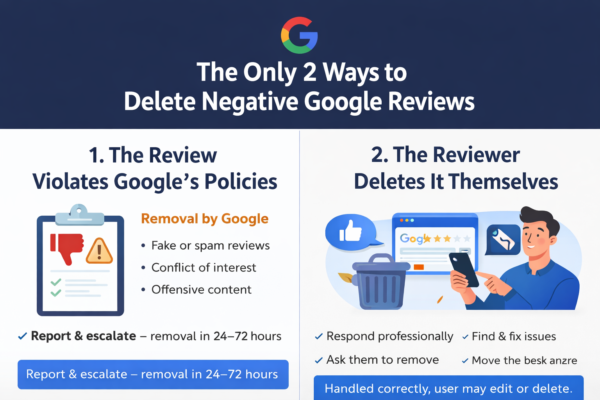
Google reviews can have a major impact on a business’s reputation, customer trust, and local search rankings. If you are looking for ways to erase Google reviews, it is important to understand that businesses cannot directly delete reviews left by other users.
However, reviews that violate Google’s policies may qualify for removal through Google’s reporting process.
This guide explains how Google review removal works, what reviews may be removed, and the steps businesses can take to protect their online reputation.
Can You Erase Google Reviews?
Yes, but only in certain situations.
Google generally does not remove reviews simply because they are negative. Customers are allowed to share honest opinions and experiences.
However, Google may remove reviews that violate its policies, including:
- Fake reviews
- Spam reviews
- Competitor reviews
- Harassment or threats
- Hate speech
- False allegations
- Misleading information
- Impersonation
- Reviews containing personal information
If a review falls into one of these categories, there may be a legitimate basis for removal.
What Types of Google Reviews Can Be Erased?
Fake Reviews
Reviews left by people who never interacted with your business.
Examples include:
- Fake customer accounts
- Purchased reviews
- Multiple reviews from the same individual
- Coordinated review attacks
Competitor Reviews
Google prohibits reviews posted by competitors attempting to manipulate ratings or damage a business.
Harassment and Offensive Content
Reviews containing threats, abusive language, discrimination, or personal attacks may qualify for removal.
False and Misleading Information
Reviews containing false accusations or misleading claims may violate Google’s content policies.
Off-Topic Reviews
Reviews that are unrelated to a genuine customer experience may also qualify for removal.
How to Remove a Google Review
Step 1: Open Your Google Business Profile
Sign in to your business profile and locate the review.
Step 2: Report the Review
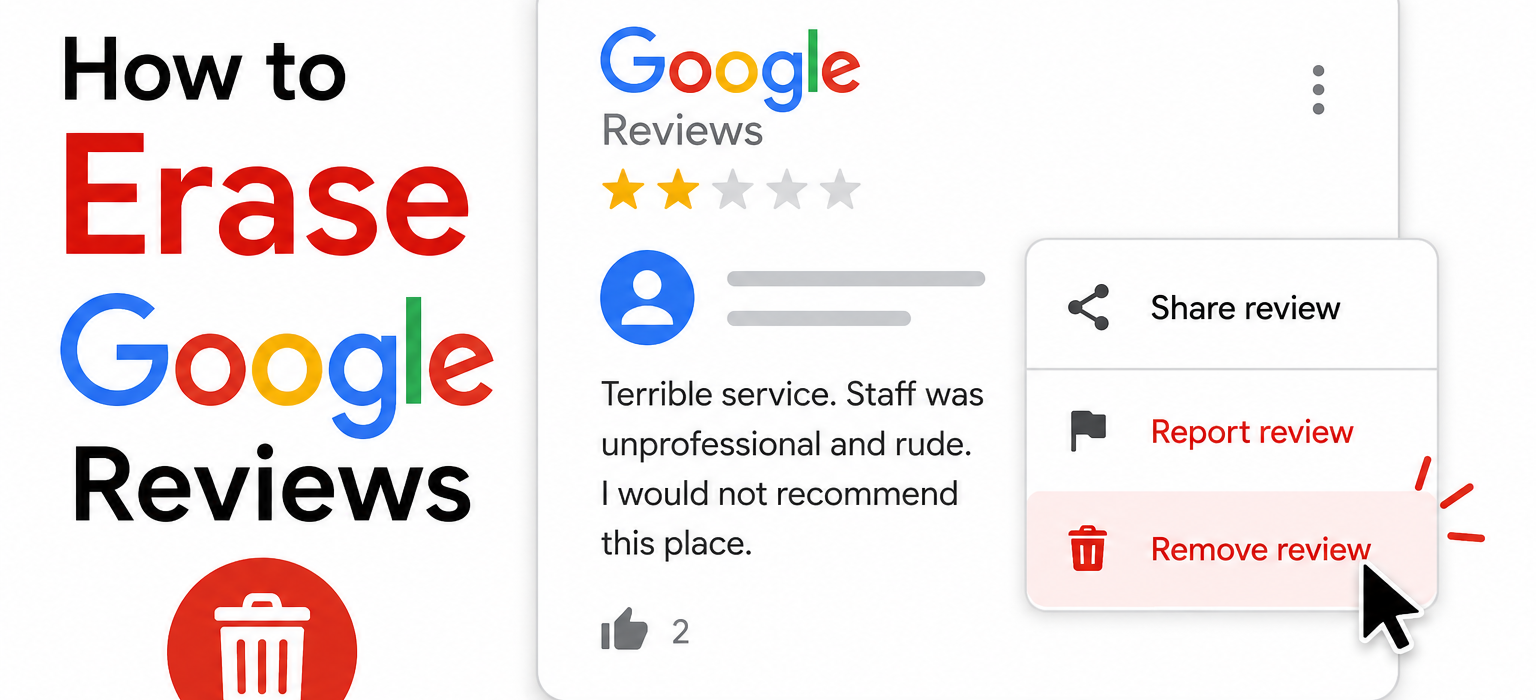
Click the three-dot menu next to the review and select “Report Review.”
Step 3: Select the Violation
Choose the policy category that best matches the issue.
Examples include:
- Spam
- Fake Engagement
- Conflict of Interest
- Harassment
- Offensive Content
Step 4: Submit Your Request
Google will review the report and determine whether the review violates its policies.
How Long Does It Take to Erase a Google Review?
Google review removals may take:
- A few days
- Several weeks
- Longer for complex cases
Each review is evaluated individually.
Why Google Refuses Some Removal Requests
Many business owners assume negative reviews can automatically be removed.
In reality, Google often rejects removal requests when:
- The review reflects a genuine customer experience
- There is insufficient evidence
- The selected violation category is incorrect
- The review does not violate Google’s policies
Successful review removal often depends on correctly identifying the specific policy violation.
Should You Respond to Negative Reviews?
Yes.
Even if you are trying to erase a review, a professional response can help protect your reputation while Google evaluates the request.
Potential customers often read both the review and the business’s response.
Professional Google Review Removal Assistance
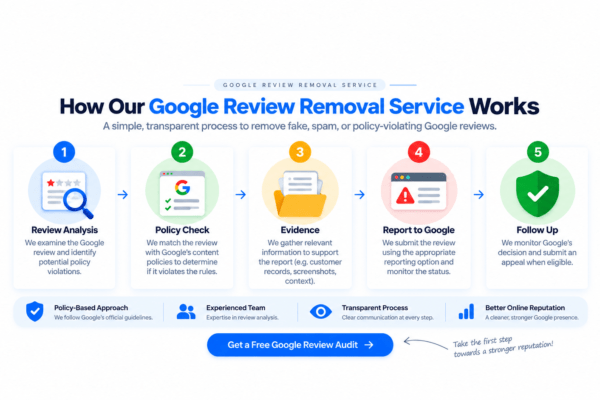
At Remove Review, we help businesses identify reviews that may violate Google’s policies and assist with the reporting and escalation process.
Our services include:
- Fake review identification
- Policy violation reporting
- Reputation management support
- Google Business Profile assistance
- Review removal strategy
Frequently Asked Questions
Can I erase a Google review myself?
Businesses cannot directly delete reviews left by other users. Reviews must be removed by Google if they violate policy.
Can fake Google reviews be erased?
Yes. Reviews that violate Google’s policies may qualify for removal.
Can negative Google reviews be removed?
Not simply because they are negative. The review must violate Google’s policies.
What is the fastest way to remove a Google review?
The best approach is to identify the correct policy violation, gather evidence, and submit a detailed report through Google Business Profile.
Final Thoughts
Learning how to erase Google reviews starts with understanding Google’s review policies. While not every negative review can be removed, fake, misleading, defamatory, or policy-violating reviews may qualify for removal through the proper reporting channels.
Businesses should regularly monitor their reviews, document violations, and take prompt action when suspicious reviews appear.